Technology Upgrades for Your Office Printers
- atechnj

- Mar 11
- 3 min read
Upgrading office printers is essential for businesses aiming to improve efficiency and reduce costs. Modern printer technology offers faster speeds, better quality, and smarter features. These upgrades help streamline workflows and minimize downtime. We will guide you through practical technology upgrades that make a real difference in your office printing environment.
Why Office Printer Upgrades Matter
Office printer upgrades improve productivity. Older printers slow down work and increase maintenance costs. New technology reduces paper jams, improves print quality, and lowers energy consumption. Upgrades also enhance security, protecting sensitive documents from unauthorized access.
For example, switching to printers with automatic duplex printing saves paper and cuts costs. Adding wireless connectivity allows employees to print from any device, increasing convenience. These small changes add up to big benefits.
Upgrading also means fewer service calls. Modern printers are more reliable and easier to maintain. This reduces interruptions and keeps your office running smoothly.
Key Office Printer Upgrades to Consider
When upgrading, focus on these key areas:
1. Faster Print Speeds
Choose printers with higher pages-per-minute (PPM) rates. Faster printers reduce wait times and keep teams productive.
2. Wireless and Mobile Printing
Enable printing from smartphones, tablets, and laptops. Wireless printers eliminate cable clutter and support remote work.
3. Enhanced Security Features
Look for printers with user authentication, encrypted printing, and secure release options. These protect confidential information.
4. Automatic Duplex Printing
Double-sided printing cuts paper use in half. It’s eco-friendly and cost-effective.
5. High-Resolution Output
Upgrade to printers with better DPI (dots per inch) for sharper text and images. This is crucial for professional documents.
6. Cloud Integration
Printers that connect to cloud services allow easy access to documents from anywhere. This supports flexible workflows.
7. Energy Efficiency
Modern printers use less power and have sleep modes. This reduces your office’s carbon footprint and utility bills.
How to Choose the Right Upgrades for Your Office
Start by assessing your current printing needs. Consider the volume of prints, types of documents, and security requirements. Talk to your team about pain points with existing printers.
Next, prioritize upgrades that address these issues. For example, if slow printing is a problem, focus on speed improvements. If security is a concern, invest in printers with advanced protection features.
Budget is important. Look for all-inclusive service plans that cover maintenance and supplies. This avoids unexpected costs and keeps your printer running smoothly.
I recommend checking out onerateprinters for reliable, hassle-free printer solutions. They offer predictable costs and comprehensive service plans tailored to businesses in Northern New Jersey and Rockland County, NY.
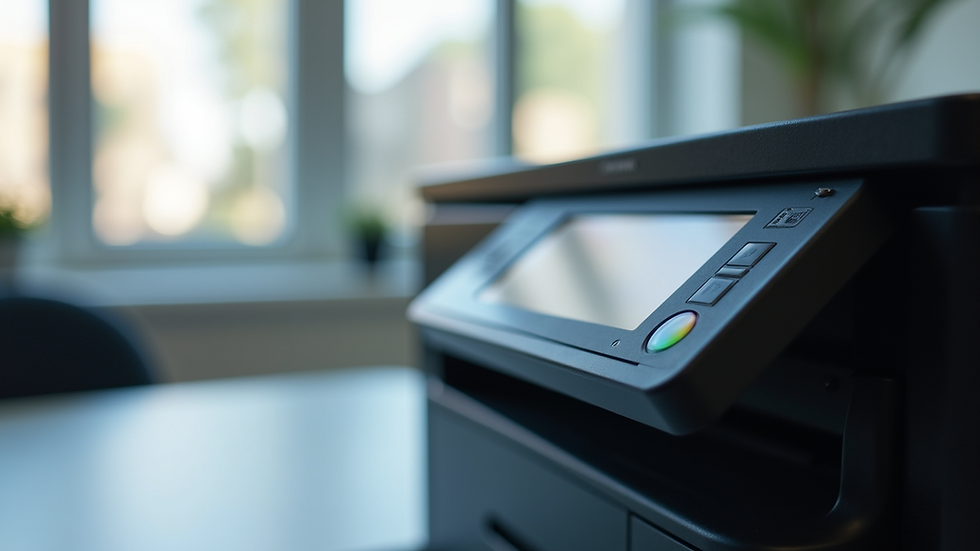
Modern office printer with touchscreen panel for easy operation
Practical Steps to Implement Printer Technology Upgrades
Upgrading printers does not have to be complicated. Follow these steps for a smooth transition:
Inventory Your Current Equipment
List all printers and their specifications. Note issues and maintenance history.
Identify Upgrade Priorities
Decide which features will have the biggest impact on your workflow.
Research Available Models
Compare printers that meet your criteria. Focus on reliability and support.
Plan the Rollout
Schedule installation during low-activity periods to minimize disruption.
Train Your Team
Provide quick training on new features and security protocols.
Monitor Performance
Track print volumes, costs, and user feedback to ensure upgrades meet expectations.
These steps help you maximize the benefits of your investment.
Benefits Beyond Printing: How Upgrades Improve Office Workflow
Upgraded printers do more than print faster. They integrate with your office systems to improve overall workflow.
Scan to Email and Cloud
Modern printers scan documents directly to email or cloud storage. This speeds up document sharing and reduces paper clutter.
Automated Workflows
Some printers support custom workflows, like routing scanned documents to specific folders or users automatically.
Remote Management
IT teams can monitor printer status and supplies remotely. This proactive approach prevents downtime.
Cost Control
Track usage by department or user to manage printing budgets effectively.
These features save time and reduce manual tasks, letting your team focus on core work.

Office printer scanning documents directly to cloud storage for easy access
Planning for Future Printer Technology
Printer technology continues to evolve. Stay ahead by planning for future upgrades:
Artificial Intelligence
AI can optimize print jobs and predict maintenance needs.
3D Printing
Some offices may benefit from adding 3D printing capabilities for prototyping.
Sustainability Features
Look for printers with recyclable cartridges and eco-friendly materials.
Integration with Collaboration Tools
Printers that connect with platforms like Microsoft Teams or Slack improve communication.
Regularly review your printer setup to ensure it meets changing business needs. Partner with providers who offer flexible upgrade options and support.
Upgrading your office printers is an investment in efficiency, security, and cost savings. With the right technology, your office printing becomes hassle-free and reliable. Consider these upgrades carefully and take action to modernize your printing environment today.


Comments