Top Features of Color Printers for Offices

Choosing the right color printer for your office is crucial. It impacts productivity, costs, and the quality of your printed materials. I understand the importance of finding a printer that fits your business needs without hassle. This guide breaks down the top features you should look for in color printers for offices. It helps you make an informed decision quickly and confidently.
Why Color Printers for Offices Matter
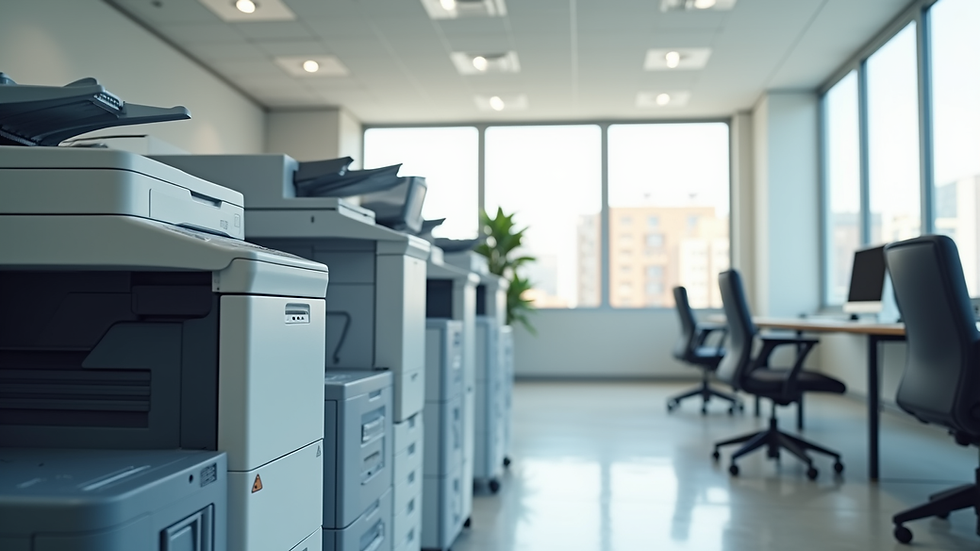
Color printers do more than just print documents. They create professional presentations, marketing materials, and client proposals that stand out. A good color printer enhances your office’s image and efficiency. It saves time and reduces frustration.
When selecting a color printer, consider speed, print quality, connectivity, and cost. These factors affect daily operations and long-term expenses. A reliable printer supports your workflow and helps maintain a smooth office environment.
Key Features to Look for in Color Printers for Offices
Print Quality and Resolution
Print quality is the most obvious feature. Look for printers with high resolution, typically 600 x 600 dpi or higher. This ensures sharp text and vibrant images. High resolution is essential for marketing materials and client presentations.
Color accuracy matters too. Some printers offer advanced color management to match your brand colors precisely. This feature is valuable for businesses that rely on consistent branding.
Speed and Efficiency
Office printers must handle large volumes quickly. Check the pages per minute (PPM) rating. A good office color printer should print at least 20 PPM in color and black-and-white. Faster printers reduce wait times and keep your team productive.
Automatic duplex printing (double-sided printing) saves paper and time. It also reduces costs and supports eco-friendly practices.
Connectivity Options
Modern offices need flexible connectivity. Look for printers with multiple connection options:
Wi-Fi for wireless printing from laptops and mobile devices
Ethernet for stable network connections
USB for direct printing from a computer
Some printers support mobile printing apps and cloud services. These features allow printing from anywhere, increasing convenience.
Cost of Ownership
Initial price is important, but ongoing costs matter more. Consider the cost per page for color and black-and-white prints. Toner or ink cartridge prices vary widely. Choose printers with affordable and easy-to-replace cartridges.
Look for printers with high-yield cartridges. They last longer and reduce the frequency of replacements. Some models offer subscription services for toner delivery, which can simplify maintenance.
Paper Handling and Capacity
A good office printer handles various paper sizes and types. Check if the printer supports standard letter, legal, and photo paper. Some printers also handle envelopes and labels.
Paper capacity affects how often you need to reload. Look for printers with at least a 250-sheet input tray. Multiple trays allow you to load different paper types simultaneously.

What is the Best Color Printer for a Small Business?
Small businesses need printers that balance cost, size, and functionality. Compact printers with wireless connectivity fit well in small offices. Look for models that offer:
Reliable print quality for documents and marketing materials
Moderate speed (around 15-20 PPM)
Low cost per page to keep expenses manageable
Easy setup and maintenance
Inkjet printers often provide better color quality for photos and graphics. Laser printers excel in speed and text clarity. Choose based on your primary printing needs.
For small businesses, multifunction printers (MFPs) that scan, copy, and fax add value. They save space and reduce the need for multiple devices.
Advanced Features to Consider
Security Features
Office printers handle sensitive documents. Look for printers with built-in security features like:
User authentication to restrict access
Data encryption to protect print jobs
Secure print release to prevent unauthorized pickup
These features help protect your business information and comply with data privacy regulations.
Energy Efficiency
Energy-efficient printers reduce electricity costs and environmental impact. Look for ENERGY STAR certified models. These printers use less power during operation and standby.
Maintenance and Support
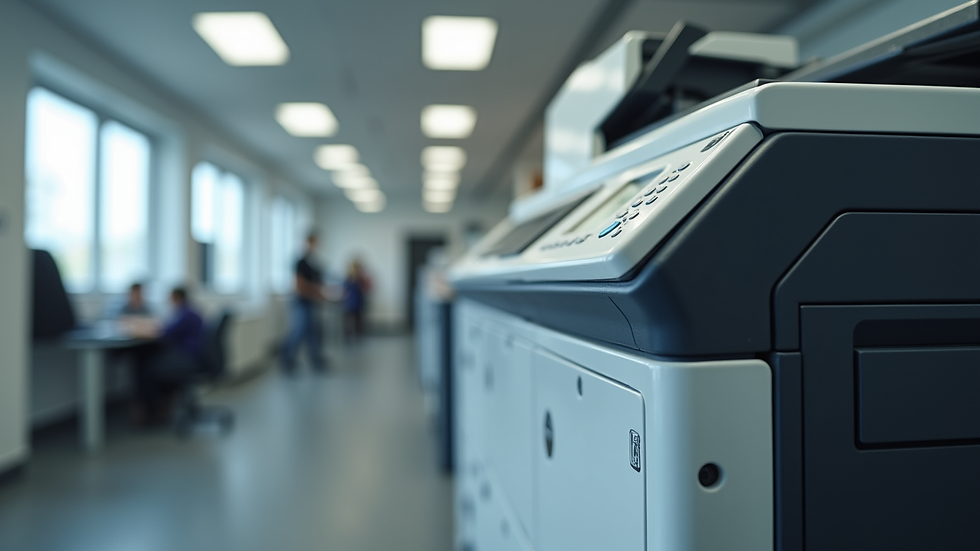
Choose printers with easy maintenance. Features like automatic toner replacement alerts and self-cleaning functions reduce downtime. Also, consider the availability of local service and support.
Reliable support ensures quick repairs and minimal disruption to your office.

How to Choose the Right Printer for Your Office
Start by assessing your printing volume and types of documents. Consider the following steps:
Calculate monthly print volume - This helps determine the printer’s capacity needs.
Identify key print types - Text documents, graphics, photos, or mixed.
Set a budget - Include initial cost and ongoing expenses.
Evaluate space - Ensure the printer fits your office layout.
Check connectivity needs - Wireless, wired, or mobile printing.
Prioritize features - Speed, quality, security, and maintenance.
Once you have this information, compare models that meet your criteria. Reading reviews and consulting with suppliers can provide additional insights.
For businesses in Northern NJ and Rockland County, NY, finding a local provider with predictable costs and reliable service plans is a smart move. It ensures your printer stays operational without unexpected expenses.
Why Investing in Quality Color Printers Pays Off
A quality color printer improves your office workflow. It reduces delays and errors. It produces professional documents that impress clients and partners.
Investing in the right printer saves money over time. You avoid frequent repairs and costly replacements. You also reduce waste with efficient printing features.
Reliable printers support your business goals. They help maintain a smooth, productive office environment. This is especially important for growing businesses that need consistent performance.
If you want hassle-free printer solutions, consider providers that offer all-inclusive service plans. These plans cover maintenance, supplies, and support. They give you peace of mind and predictable costs.
Choosing the right color printer for your office is a smart business decision. Focus on print quality, speed, connectivity, and cost. Consider advanced features like security and energy efficiency. Match the printer to your specific needs and budget. This approach ensures you get the best value and performance.
For more information on color printers for business, explore options that fit your office size and printing demands. Reliable printers keep your office running smoothly and professionally.

Comments